



AUTOSAR Classic vs Adaptive: Picking the Right One Isn't About Which Is Newer
A decision framework, not a recommendation. Answer these honestly and the choice mostly makes itself.
Eight error messages, translated. No preamble — you have a build failing right now.

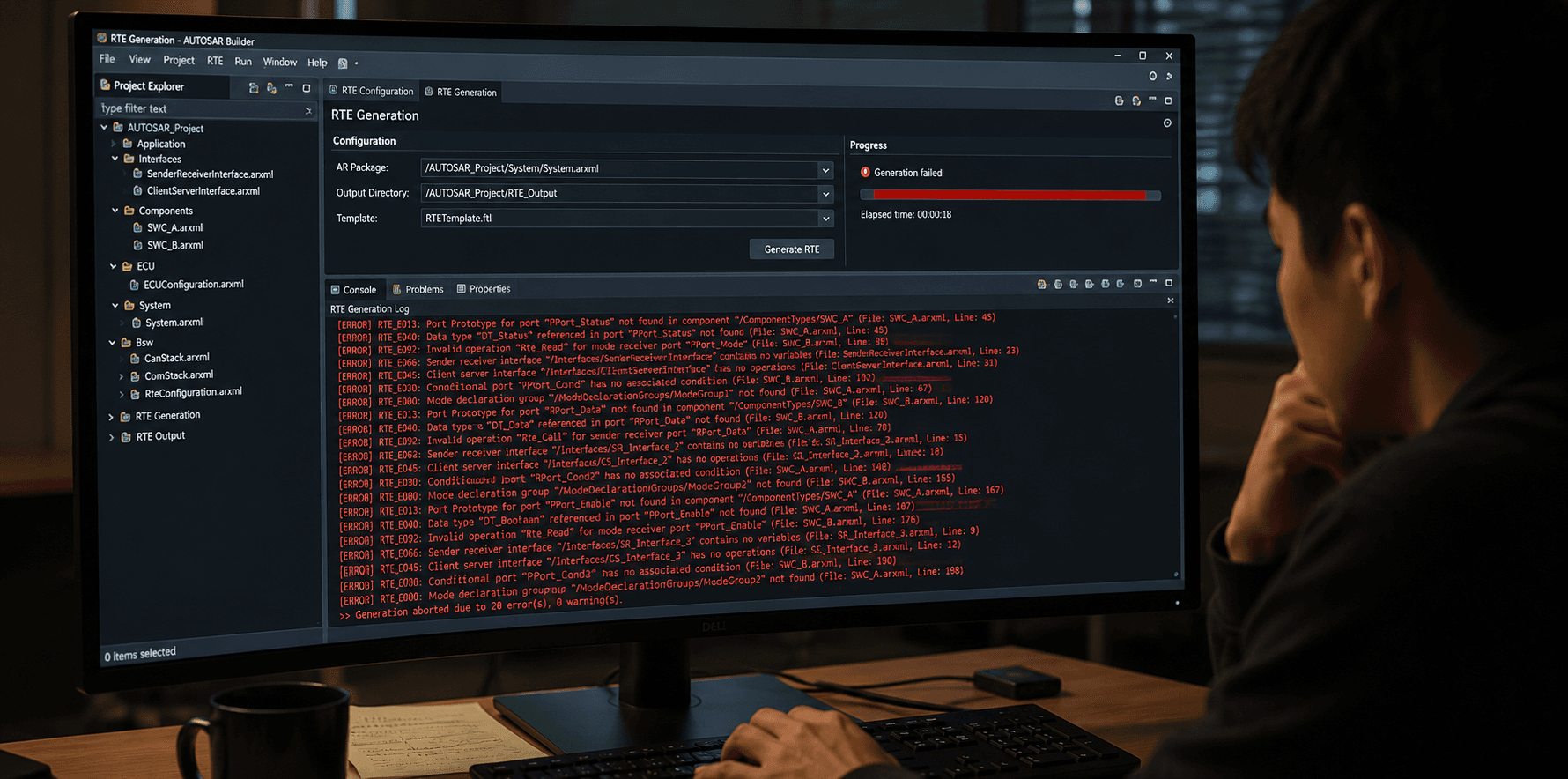
Eight error messages, translated. No preamble — you have a build failing right now.
RTE_INCONSISTENT_PORT_CONNECTION (or equivalent: "Port connection is inconsistent")What it actually means: two ports you've wired together in the system description — a P-Port on one SWC and an R-Port on another — don't reference the same interface definition, or reference the same interface name but with mismatched internal structure (different data elements, different operations).
Quick fix: open the interface definitions for both ports side by side. Nine times out of ten, someone edited one SWC's interface reference after a copy-paste and it now points to a similarly-named but not identical interface. Re-point both ports to the exact same interface object, don't just match the name.
RTE_RUNNABLE_NOT_MAPPED (or: "Runnable has no task mapping")What it actually means: you defined a runnable entity in your SWC, but never assigned it to an OS task in the ECU configuration. RTE generation needs to know which task will actually call this runnable — without that mapping, there's no way to generate the scheduling glue code.
Quick fix: go to your ECU configuration's task mapping section (in DaVinci or EB tresos, this is usually a dedicated "OS Task Mapping" or "RTE Events" view) and explicitly assign the runnable to a task, either directly or via the triggering event you intended (timing event, data-received event, etc.). This is easy to miss specifically for a new runnable added late in development — the SWC compiles fine, RTE just has nowhere to put it.
RTE_DATA_TYPE_MISMATCH (or: "Incompatible data types on connected ports")What it actually means: the sender and receiver of a Sender-Receiver connection are using data elements with different underlying AUTOSAR data types — commonly uint8 on one side and uint16 on the other, or a signed/unsigned mismatch.
Quick fix: don't just widen one side to match — check why they diverged first. This error is often a genuine signal that one SWC's assumption about a signal's range is wrong, not just a cosmetic type mismatch. Once confirmed, align both ports to the same data type definition in the shared data types package, not by redefining the type locally in one SWC.
RTE_UNCONNECTED_MANDATORY_PORT (or: "Required port has no connection")What it actually means: an R-Port marked as mandatory (as opposed to optional) has no corresponding P-Port connected to it anywhere in the system description. RTE can't generate a safe default behavior for a mandatory port with nothing feeding it.
Quick fix: either connect the port to its intended provider SWC (check if that SWC was accidentally left out of the current system composition), or, if the port is genuinely meant to be unconnected in this specific variant/configuration, change it to optional and add explicit handling in your runnable for the "not connected" case.
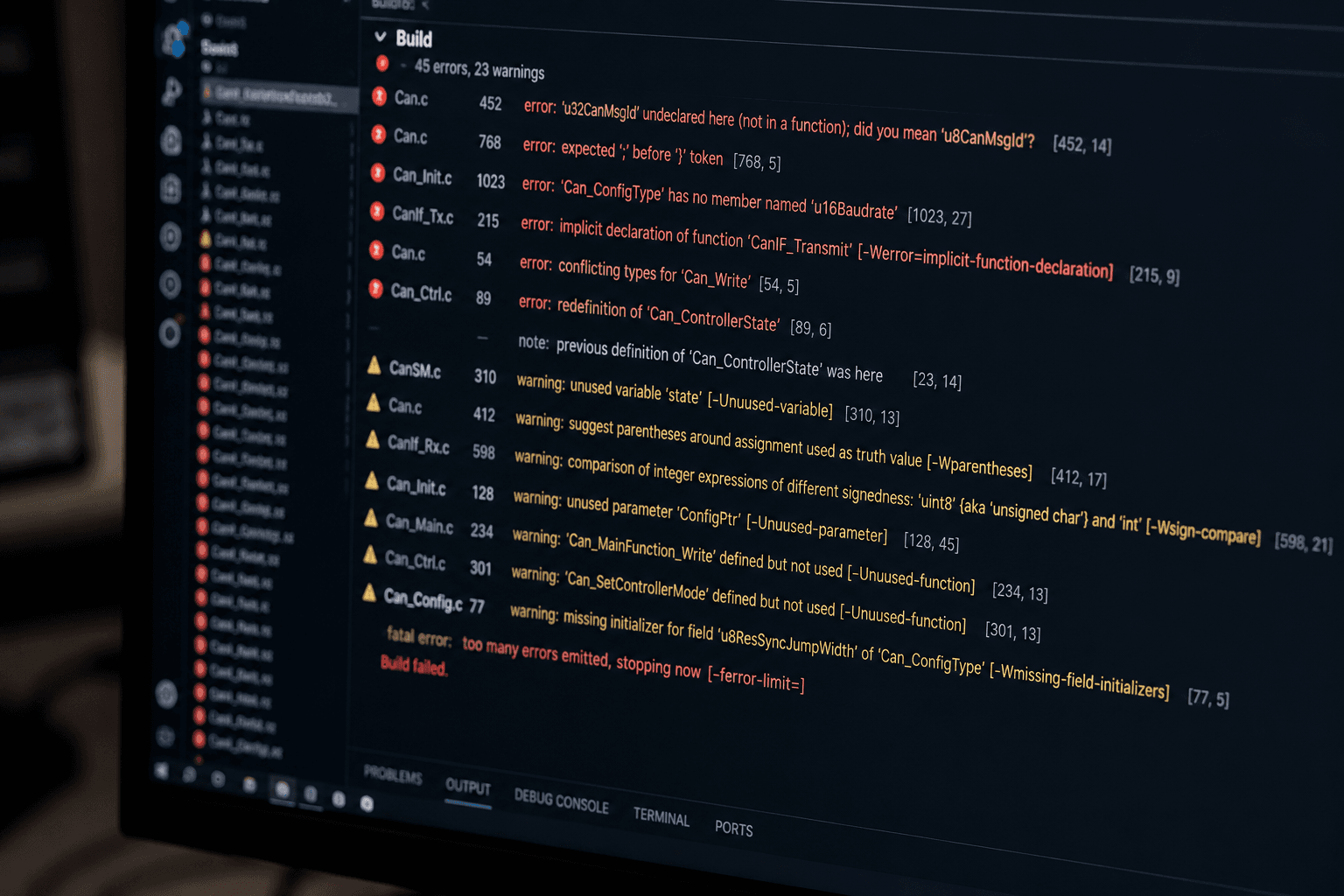
RTE_MULTIPLE_PROVIDERS_FOR_PPORT (or: "Multiple P-Ports connected to one R-Port with incompatible arbitration")What it actually means: more than one P-Port is feeding the same R-Port, but your R-Port's configuration doesn't specify how to arbitrate between multiple providers (which one "wins," or how values get combined).
Quick fix: decide the intended arbitration policy explicitly — usually this means configuring the R-Port for multiple-provider support with a defined selection or aggregation rule, rather than assuming RTE will guess. If only one provider was actually intended, the real fix is often removing the accidental second connection, which frequently comes from a leftover SWC instance from an earlier configuration.
RTE_CLIENT_SERVER_UNRESOLVED_OPERATION (or: "Operation not found on interface")What it actually means: a Client-Server port is trying to call an operation (a specific function-like interface call) that doesn't exist on the interface it's connected to — usually because the interface was updated (an operation renamed or removed) on one side without regenerating or updating the other side's reference.
Quick fix: check interface version consistency between the client and server SWC descriptions. This one shows up constantly after an interface refactor where one SWC's ARXML was regenerated and the other wasn't — regenerate both sides from the same current interface definition rather than patching one manually.
RTE_TIMING_EVENT_PERIOD_CONFLICT (or: "Timing event period inconsistent with task period")What it actually means: a runnable is configured to trigger on a timing event with a period that doesn't evenly align with the OS task's own scheduling period it's mapped to — for example, a runnable wanting to fire every 7ms mapped onto a task that only runs every 10ms.
Quick fix: either adjust the runnable's timing event period to a value that's a clean multiple of the task period, or move the runnable to a task whose period actually matches the intended trigger rate. Don't just pick the nearest task and hope — a mismatch here either silently changes your actual runnable execution rate or gets flagged exactly as this error, depending on tool strictness settings.
RTE_EXCLUSIVE_AREA_NESTING_VIOLATION (or: "Exclusive area entered while already active")What it actually means: your SWC's runnable is attempting to enter an exclusive area (AUTOSAR's mutual-exclusion mechanism) that's already active — usually because a runnable calls another runnable, or an inter-runnable variable path, that tries to re-enter the same exclusive area without exiting it first.
Quick fix: trace the actual call path that leads into the exclusive area a second time — this is almost always a nested call structure that wasn't obvious from reading a single runnable in isolation. Either restructure to avoid the nested entry, or, if genuinely necessary, use a nested-safe exclusive area implementation if your RTE generator and OS support one (not all do — check before assuming this option exists on your platform).
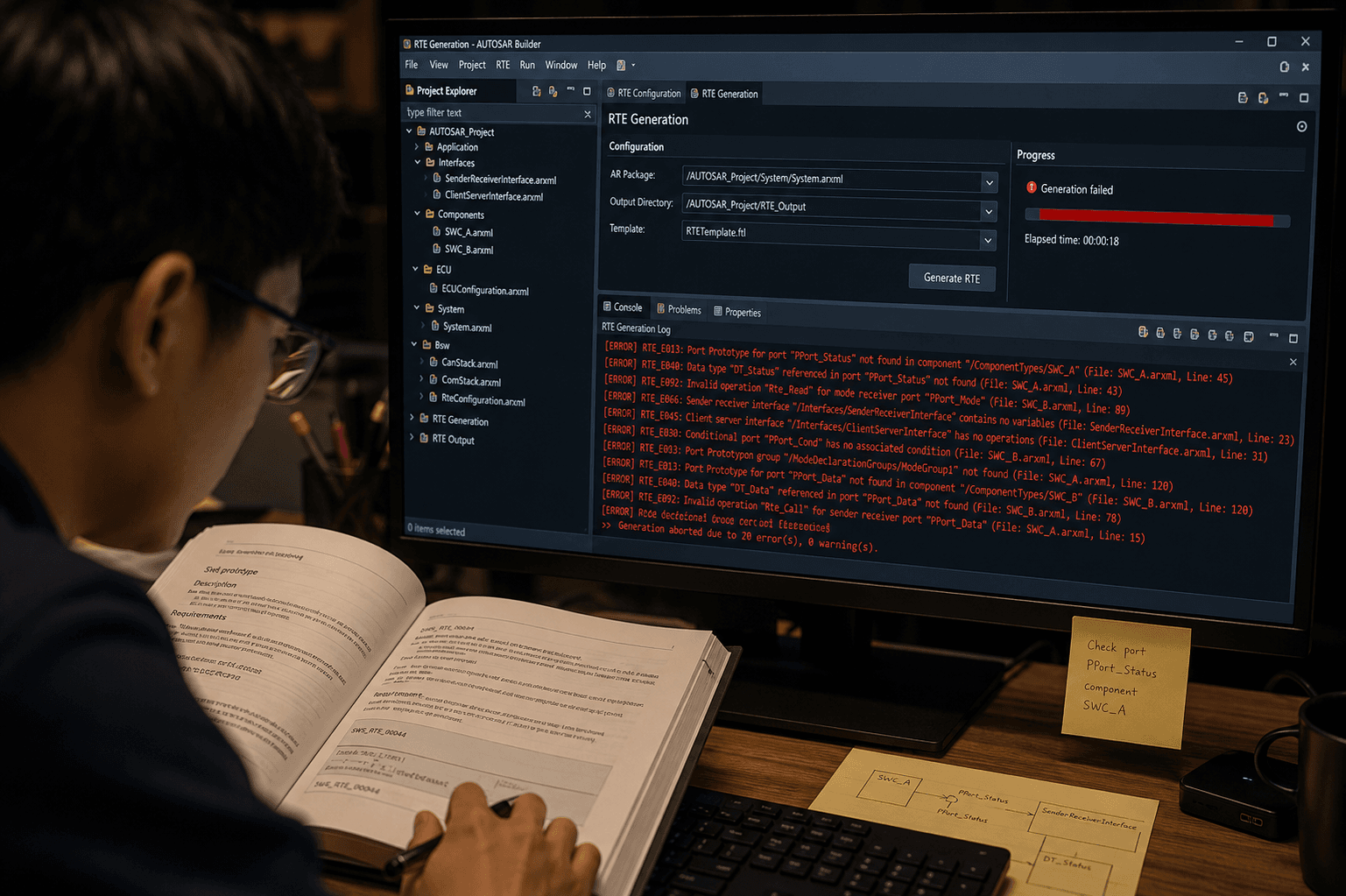
Look back at these eight and a theme emerges: the large majority of RTE generation errors are consistency errors between two things that used to match and were edited independently — one SWC's interface changed and the other wasn't regenerated, one ECU configuration's task mapping wasn't updated after a runnable was added, one port's arbitration setting wasn't revisited after a second provider was connected. RTE generation is, structurally, a very literal consistency checker across your entire configuration — which means the fastest path to resolving almost any error on this list is asking "what changed recently on one side of this relationship, and was the other side updated to match?" rather than assuming the error message itself is describing something exotic.
Keep a running list of the errors your team hits most, with the fix that actually worked — this decoder ring covers eight common ones, but your specific toolchain and project will accumulate its own recurring set, and that list becomes genuinely valuable faster than you'd expect.
A decision framework, not a recommendation. Answer these honestly and the choice mostly makes itself.
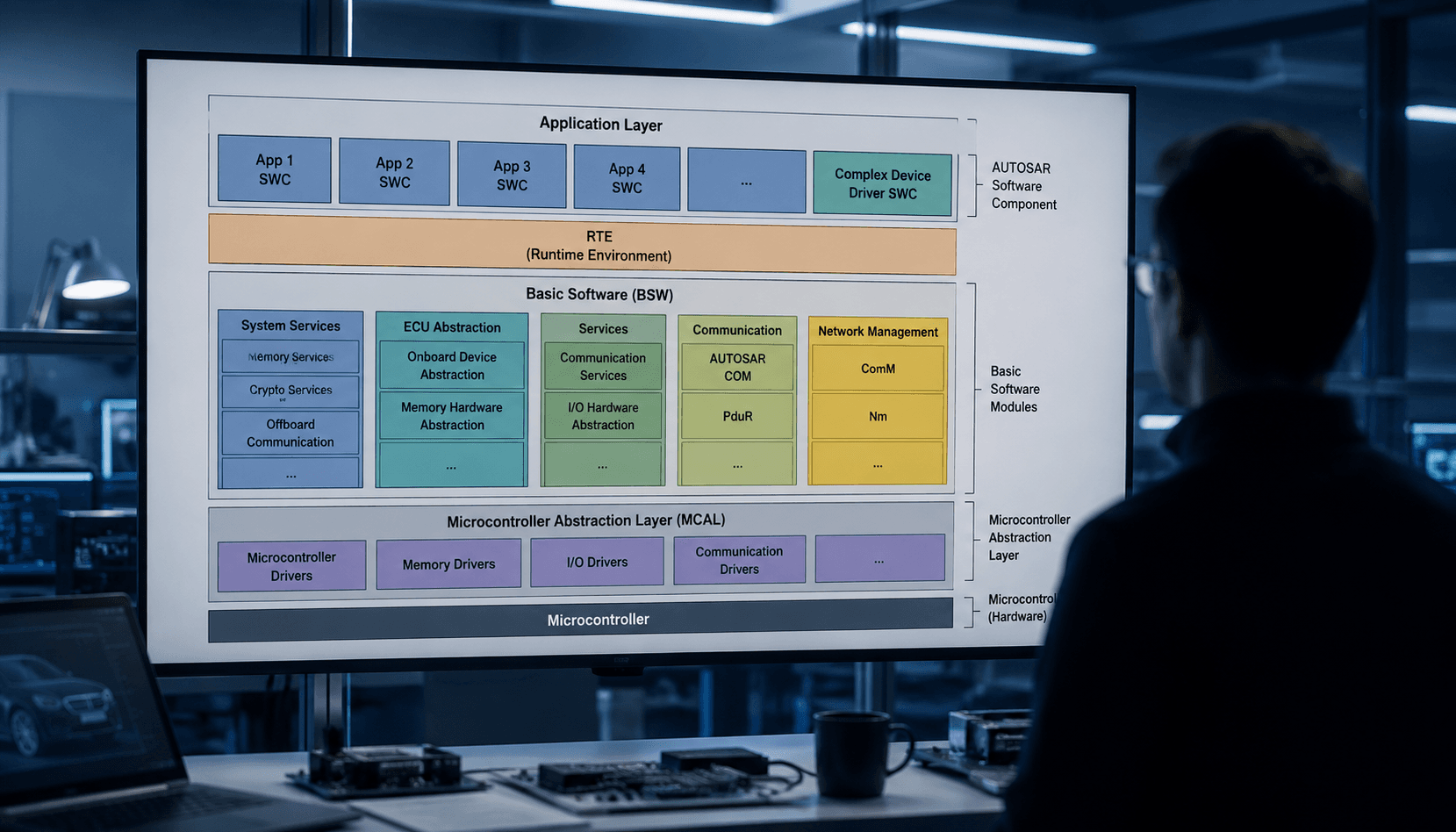
Six milestones, realistic time estimates, and the mistakes everyone makes at each one.
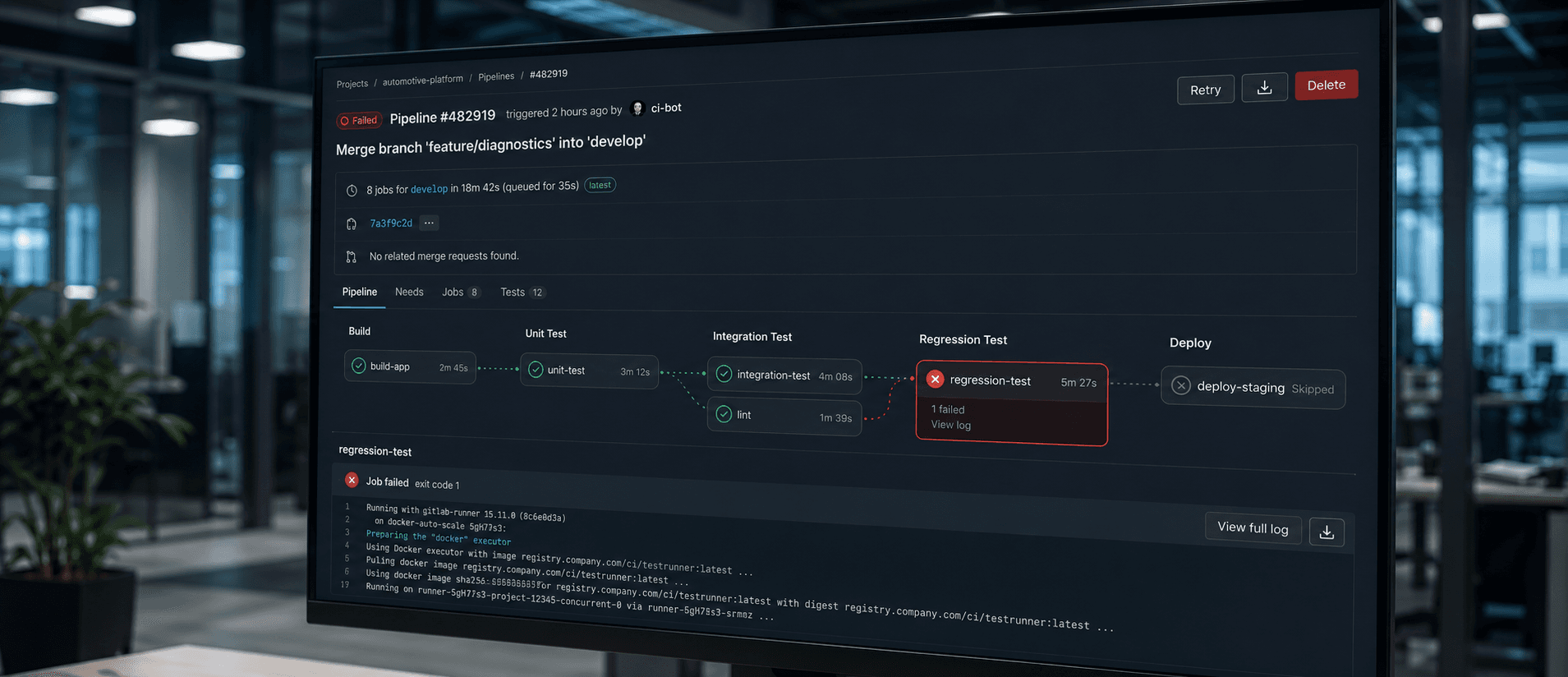
A missed PTP correction... no wait, wrong incident. This one's about a CAN baud rate nobody meant to touch.